

Google has released Android 17 in beta for Pixel devices, skipping the usual Developer Preview given the arrival of new Canary builds, and you can install it now. Here’s how.
Which Pixel devices can install the Android 17 Beta?
Google is supporting all Tensor-powered Pixel smartphones with Android 17, dating back to 2021’s Pixel 6 series and coming up to the latest Pixel 10 phones.
The Android 17 Beta is available for all of the following devices:
- Pixel 6
- Pixel 6 Pro
- Pixel 6a
- Pixel 7
- Pixel 7 Pro
- Pixel 7a
- Pixel Tablet
- Pixel Fold
- Pixel 8
- Pixel 8 Pro
- Pixel 8a
- Pixel 9
- Pixel 9 Pro
- Pixel 9 Pro XL
- Pixel 9 Pro Fold
- Pixel 9a
- Pixel 10
- Pixel 10 Pro
- Pixel 10 Pro XL
- Pixel 10 Pro Fold
This will be the last major Android OS update for the Pixel 6 series, with updates set to end in October 2026. Google’s upcoming Pixel 10a release, confirmed for launch next week, will likely get Android 17 Beta support soon after its release.
How to install Android 17 with the Android Beta Program on Pixel
To get set up with beta releases of Android 17, you’ll visit google.com/android/beta and “Opt in” on your selected device. Any compatible Pixel (listed above) with your same Google account will be able to join the program on this page. Once opted in, you’ll be able to check for updates on your device to actually install the update. This usually happens within a few minutes to an hour, but can occasionally take longer. You can also opt out of future updates from this page.
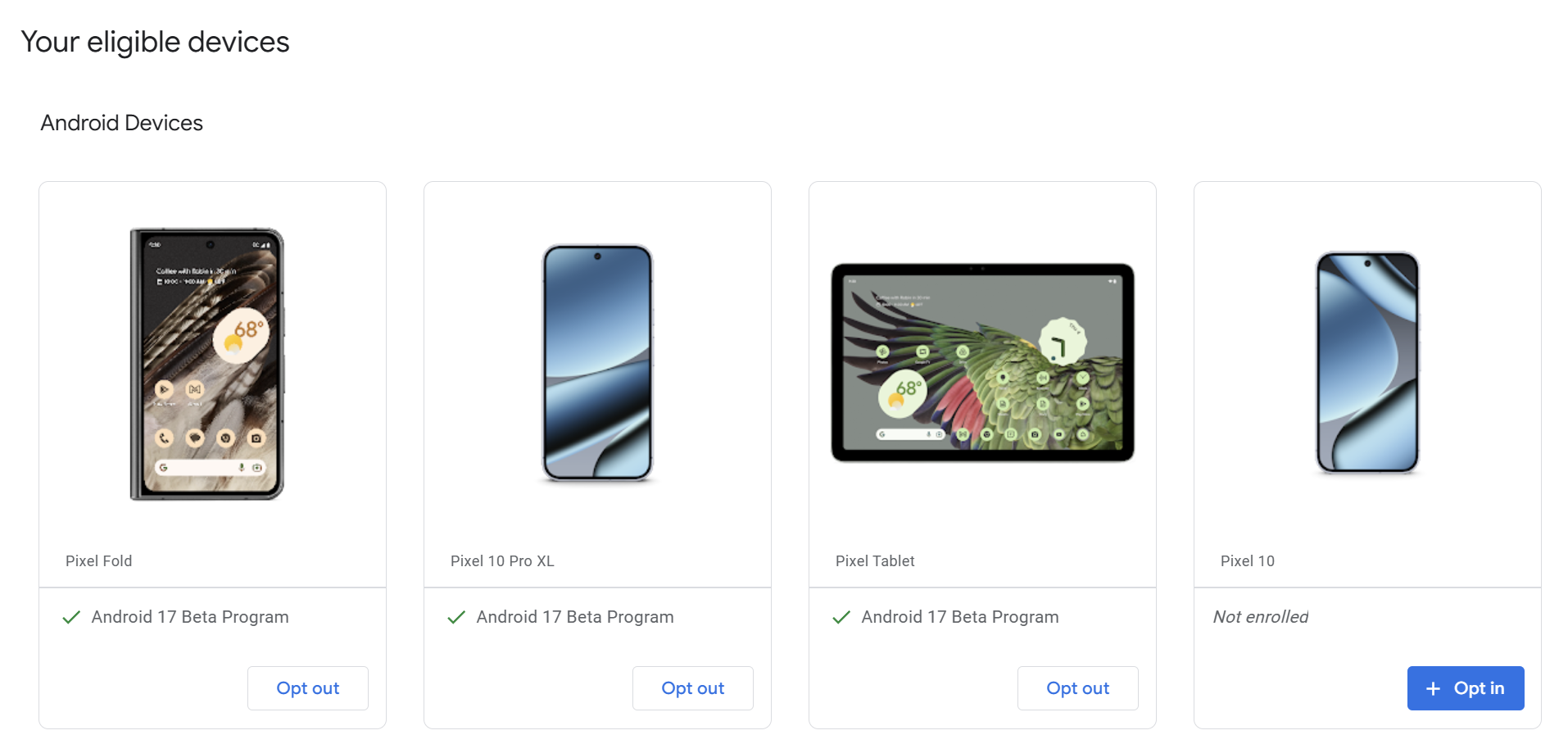
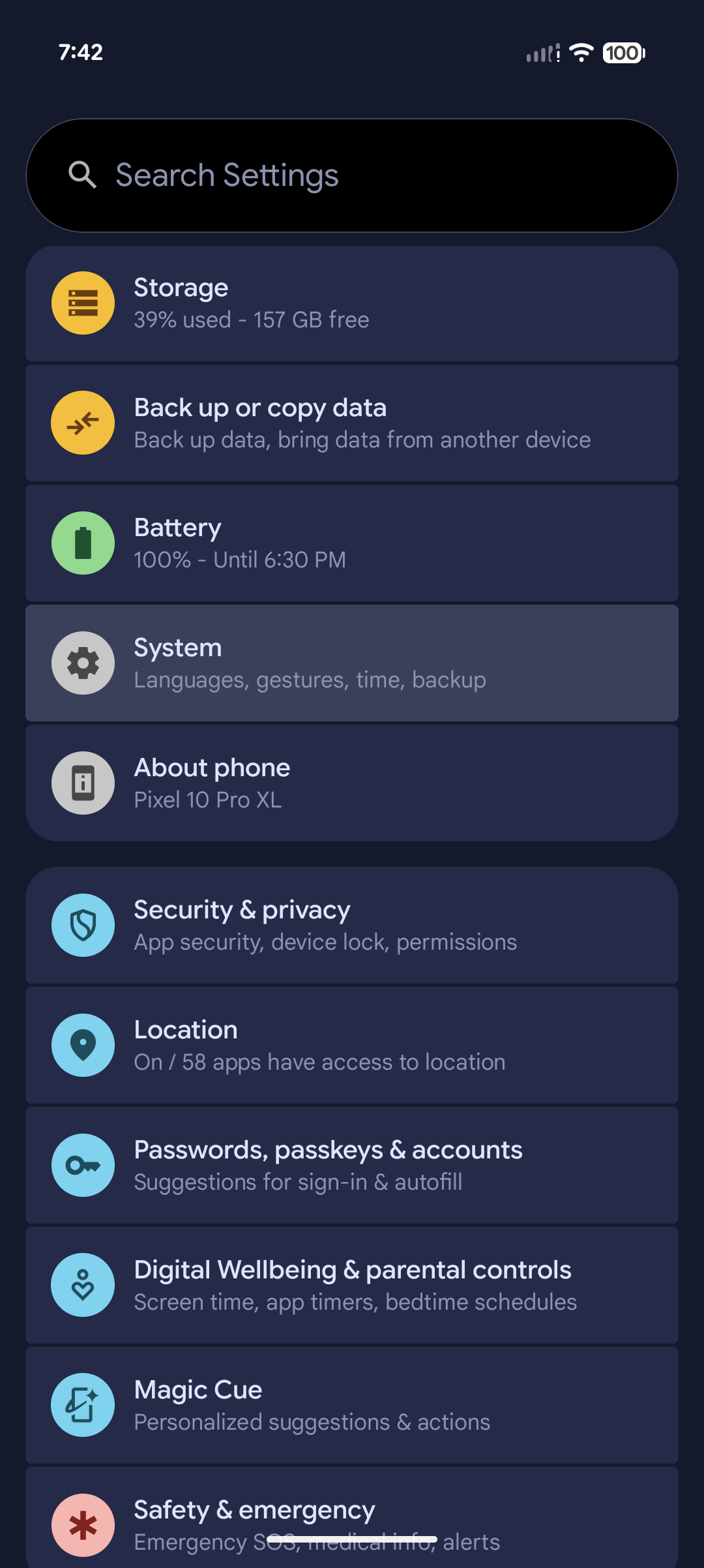
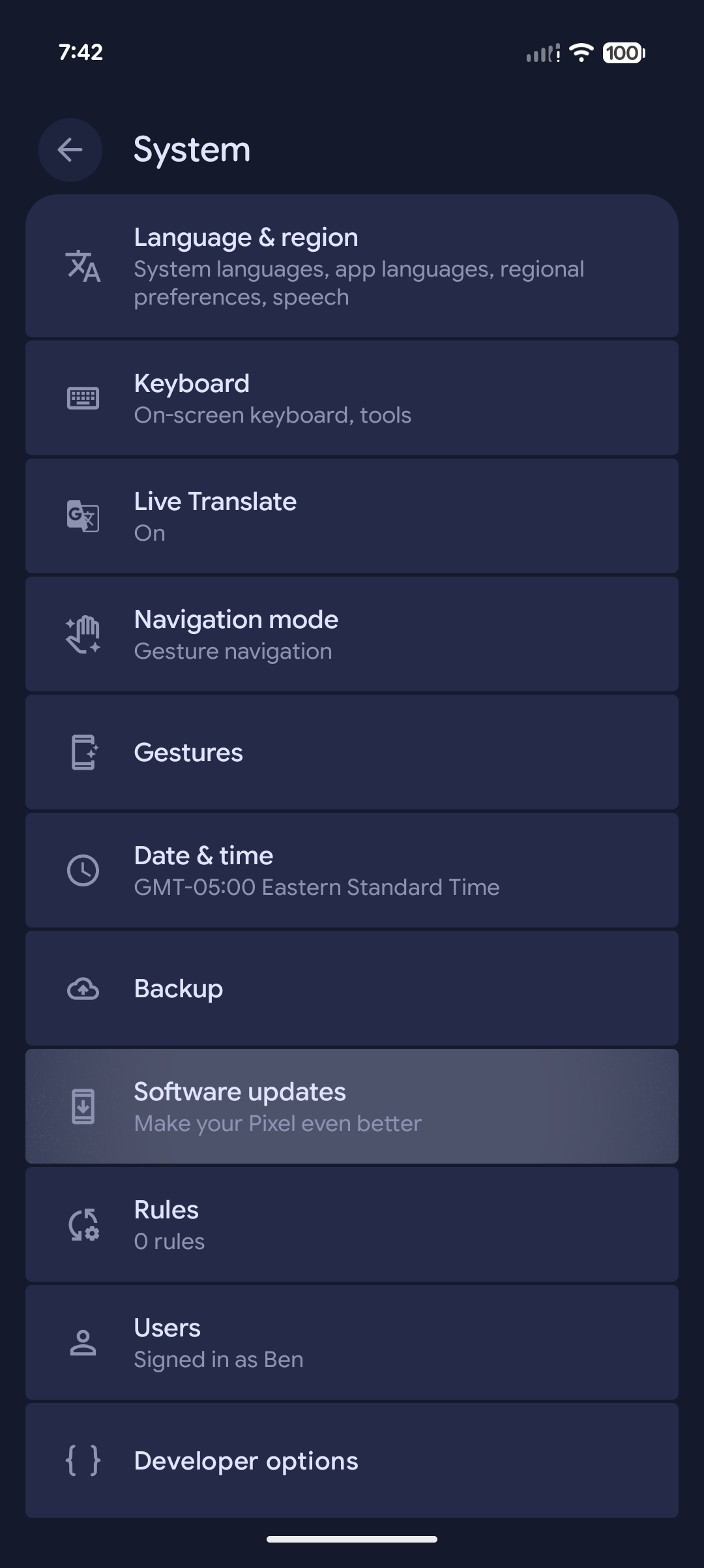
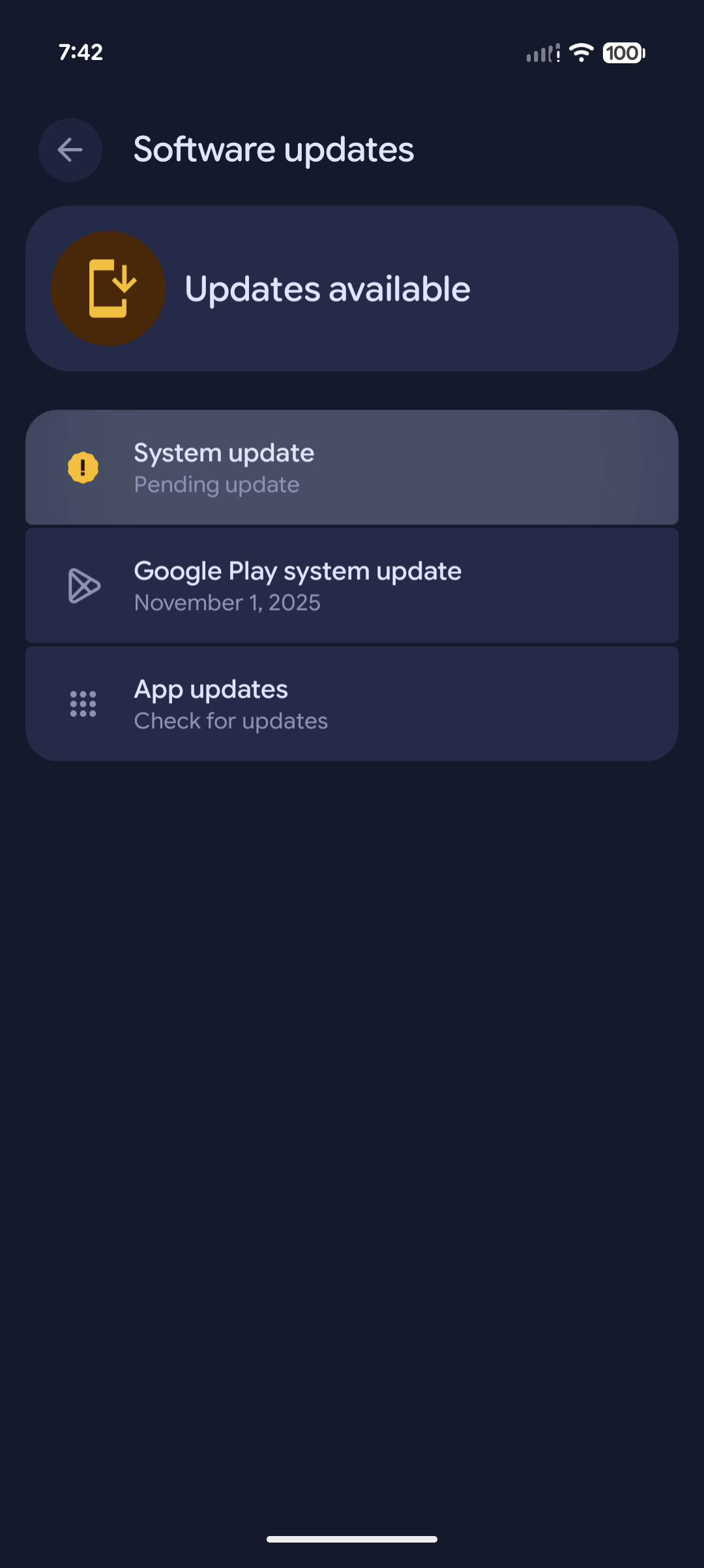
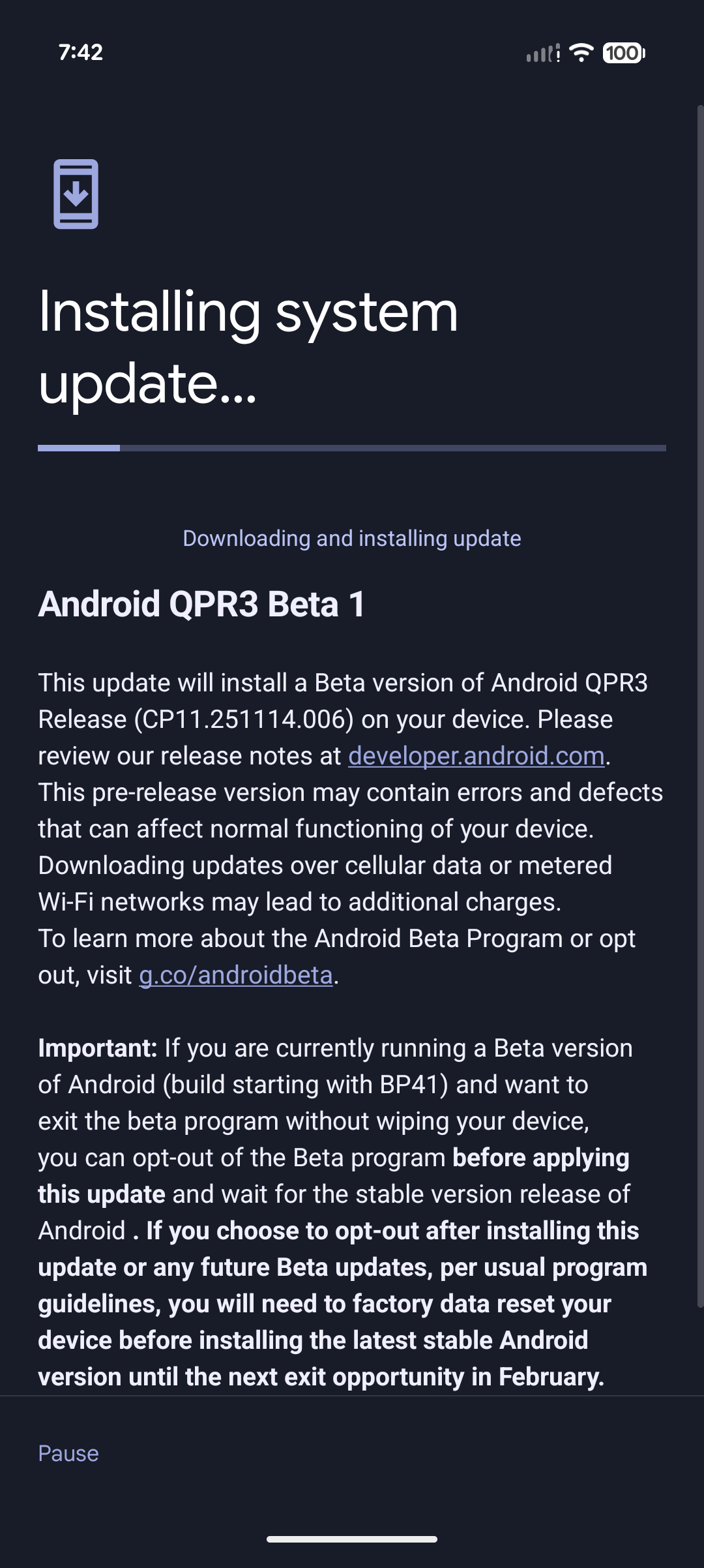
After you’ve opted in, go to Settings > System > Software Updates > System Updates and hit the install button.
How to manually sideload Android 17 Beta on Google Pixel
By far, the fastest way to get a new version of Android on your Pixel is to sideload it. It’s a…