
Amazon’s streaming sticks have been Android-based for years, but the experience has shifted bit by bit. The new Fire TV Stick 4K Select is the first to move to Amazon’s Linux-based Vega OS, marking a clear break from the older software. It also lands in the middle of the lineup, above the basic HD-only Fire TV Stick and below the Fire TV Stick 4K Plus. It gets you 4K and HDR support at Rs 3,999 (launch price: Rs 5,499). But the company has cut some corners to reach this price. Still, when Amazon sent over a unit, I was intrigued and excited to see what had actually changed in both hardware and software, and whether any of it mattered for someone looking to buy a new streaming stick. You can read my findings in the 4K Select review below.
Verdict
The Amazon Fire TV Stick 4K Select is the cheapest and most practical way to get 4K HDR streaming in Amazon’s product lineup. It delivers fine performance and meaningful upgrades over the entry model, but does not try to be the fastest or most premium stick, and that is fine. Those who need wider app flexibility or more advanced features should note that these remain limited on the 4K Select. But if all you want is reliable 4K streaming without spending extra, this is the sweet spot.
Design, connectivity and remote
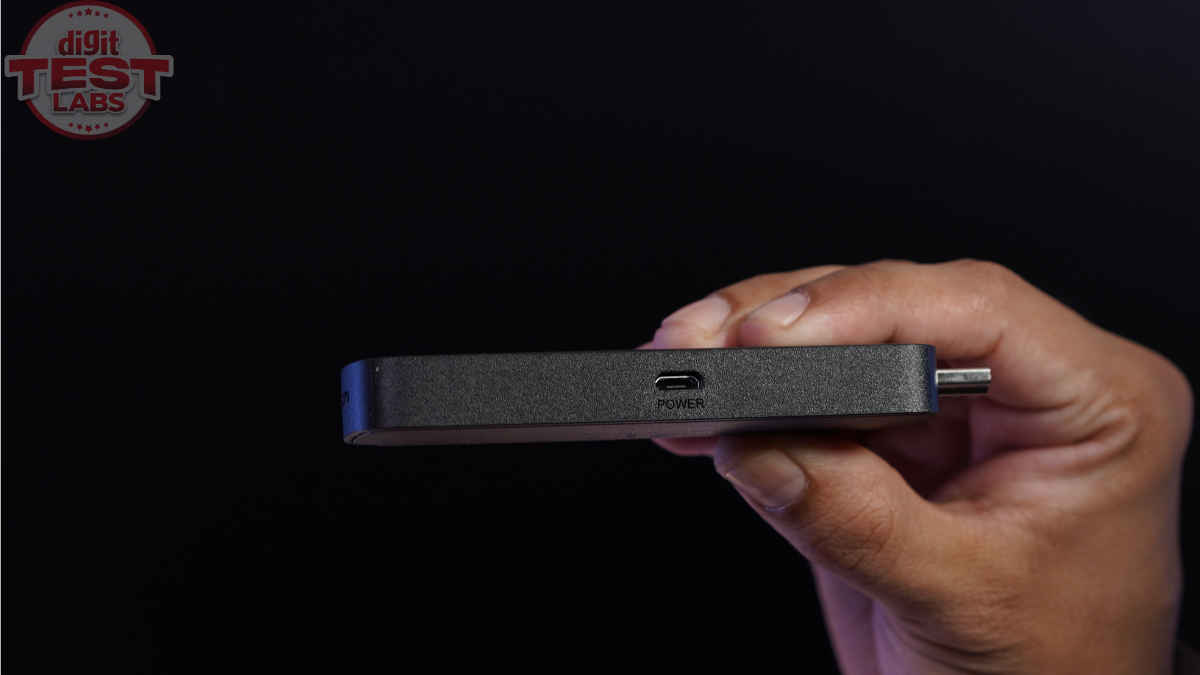
If you’ve ever seen a Fire TV Stick before, the Fire TV Stick 4K Select will look quite familiar. It features a small black rectangle that plugs into an HDMI port and draws power from an included micro-USB cable. Yes, that port is a little dated for today, but unless you lose the bundled cable, you should be fine. So, nothing fancy; just a compact and portable stick that stays hidden behind the TV when in use. Only the charging cable comes out from behind the TV. And if you take the Stick with you somewhere, ensure you carry the cable as well.
As part of the package, you get the Fire TV Stick 4K Select, a remote, two AAA batteries, a quick guide, the micro-USB cable, and an…