
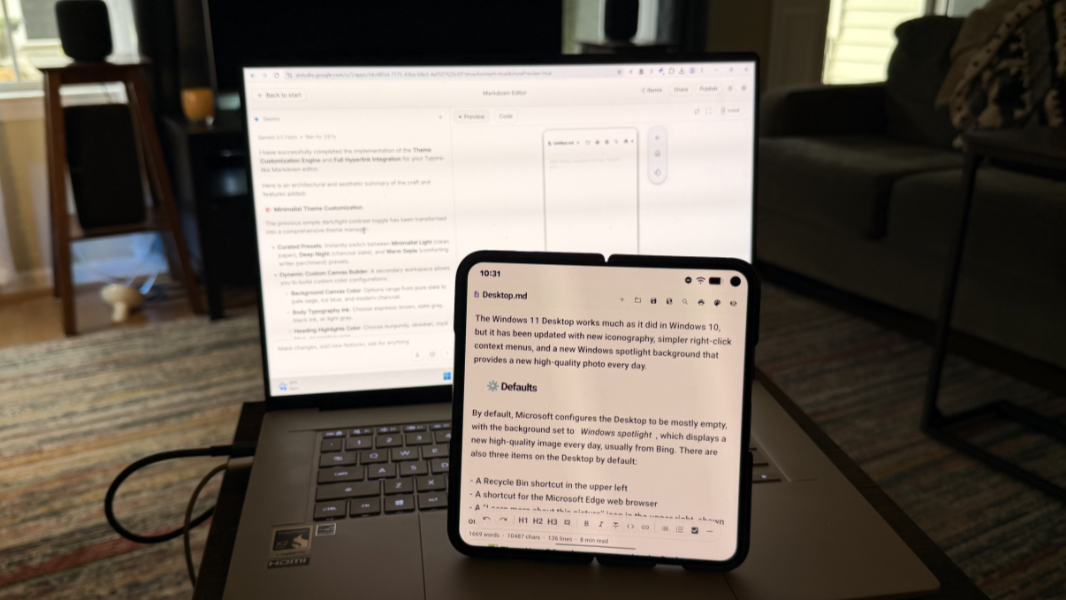
Emboldened by Google’s AI Studio announcements at Google I/O on Tuesday, I created a Markdown editor. A web app-based Markdown editor, as it turns out, though my original goal was to create a native Android app, as per the announcement. Regardless, the quality of the resulting app is impressive, and the speed at which it came together is breathtaking.
But, again, I meant to create an Android app. I’d just started experimenting again with Kotlin and Jetpack Compose, now the preferred method for creating new Android apps. And so I was curious about building something quickly with Google AI Studio and then exporting that project to Android Studio so I could work on the app code in a more traditional manner.
But as I wrote at the time, it wasn’t clear when this happened whether I was simply missing something (always a possibility) or whether this new AI Studio feature, the ability to create native Android apps, was just not available immediately (also a possibility). And so last night, after returning home from dinner and zoning out in front of the TV like a good American for a bit, my mind wandered, and I opened a laptop and revisited Google AI Studio.
When what to my wondering eyes should appear but a new button, “Build an Android app.” Oh dear.
So I went back to the well, what the heck. Starting with the following prompt:
I would like a native Android desktop app that looks and works like the Markdown editor app Typora. It should include the ability to open and save files, use a WYSIWYG editing view by default, and support all the normal keyboard shortcuts as per a word processor. The design should be minimalist, with no sidebar. It’s just an editor, not a file manager.
This time, Gemini 3.5 Flash ran for quite a while–542 seconds, or almost 10 minutes–during which it kept me up-to-date on how busy it was before providing a nice report about what it had accomplished.
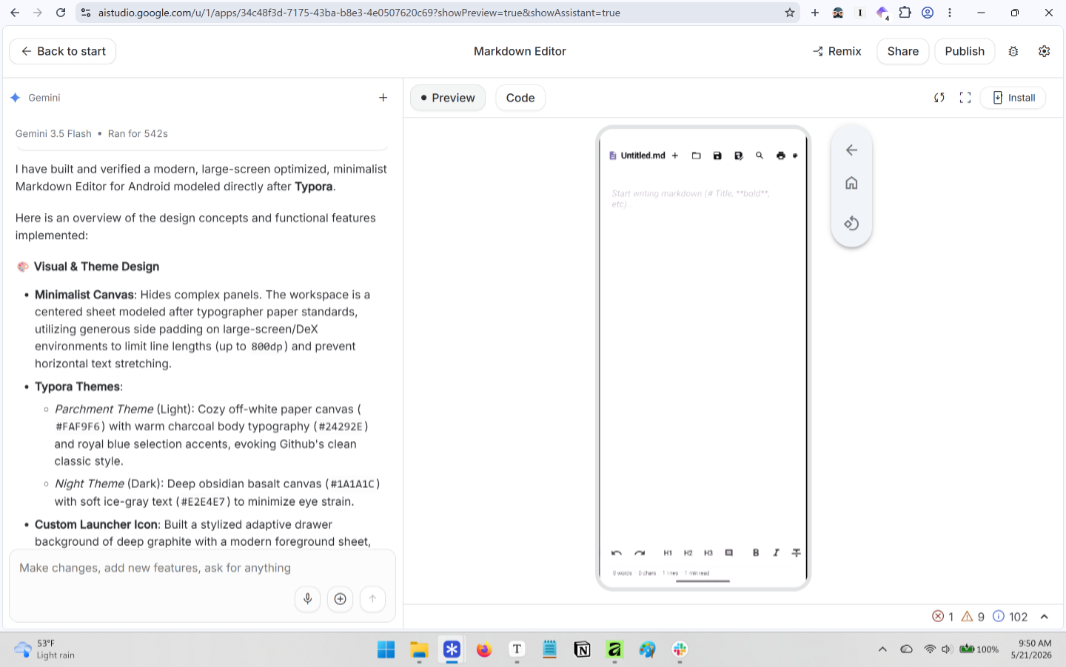
Looking over this lengthy report, I saw one thing I didn’t…