
The Clevetura S keyboard stands out due to its dual functionality, which combines a Mac keyboard with a built-in trackpad. The twist is that instead of adding a dedicated trackpad to the keyboard, it turns the keys themselves into a touch surface.
This clever idea works well in daily use, although it comes with a learning curve.
Clevetura S keyboard review
Keyboards for Macs come in all shapes and sizes, from compact models to split designs built for better ergonomics. Some that I’ve tested over the years excelled due to specific features or connectivity options, but almost none of them aim to replace the mouse or trackpad.
That’s what the Clevetura S does. It lets you type, swipe and even use various Mac gestures from the keyboard’s surface.
So, does the keyboard deliver?
Clevetura S keyboard for Mac with built-in trackpad
The Clevetura S turns its keys into a touchpad, letting you trigger macOS gestures without moving your hands away from the keyboard. Customizable touch sliders, backlighting and multiple device connections add versatility, though the design takes getting used to and battery life is modest.
- Brings macOS gestures directly to the keyboard
- Flexible backlighting
- Three Bluetooth connections and USB-C
- Resting fingers on the keys can trigger accidental inputs
- Below-par battery life
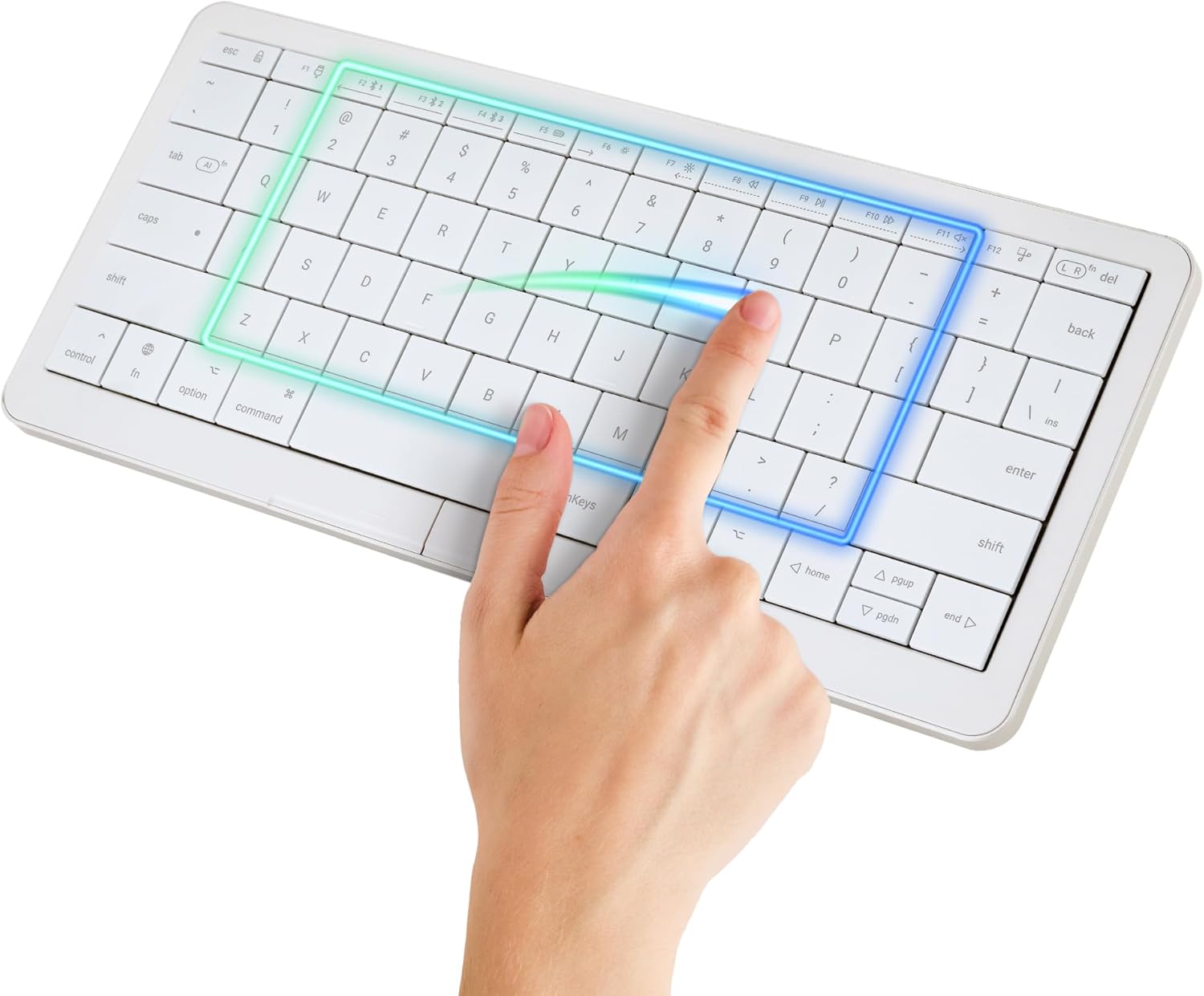
Table of contents: Clevetura S keyboard review
A familiar design with a different feel
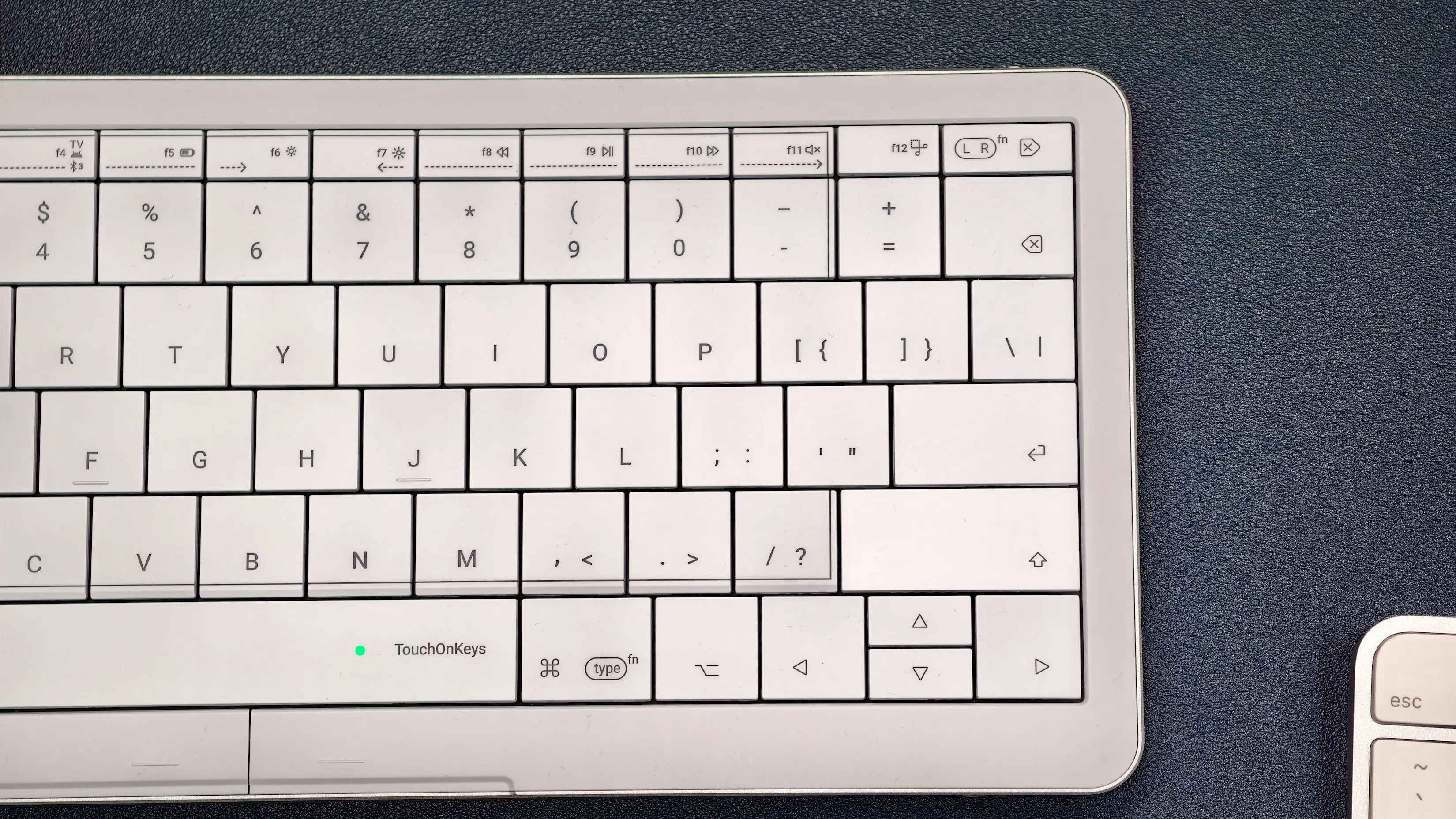
Photo: Rajesh Pandey/Cult of Mac
The Clevetura S takes its design cues from Apple’s Magic Keyboard, with white keys and a silver frame. The biggest difference is how closely the keys sit together. There’s a negligible gap between the keycaps on the Clevetura keyboard, creating a more continuous…