
There are lots of ways to get content on the big screen, like using a connected streaming device or accessing a built-in smart TV OS. But you can also do so wirelessly by using technology like Chromecast and Apple AirPlay, both of which “cast” (wirelessly send) content from your mobile device or laptop to the TV. It’s great for accessing a movie or show from your streaming subscription on a hotel room’s TV or for listening to music through a TV’s speakers.
It’s easy to use AirPlay on an iPhone or a MacBook to connect to a TV, as long as the display supports AirPlay. The process is nearly identical across iOS devices, and it works similarly with any brand of TV.
Read more: 10 underrated Apple Watch features you can set up in minutes
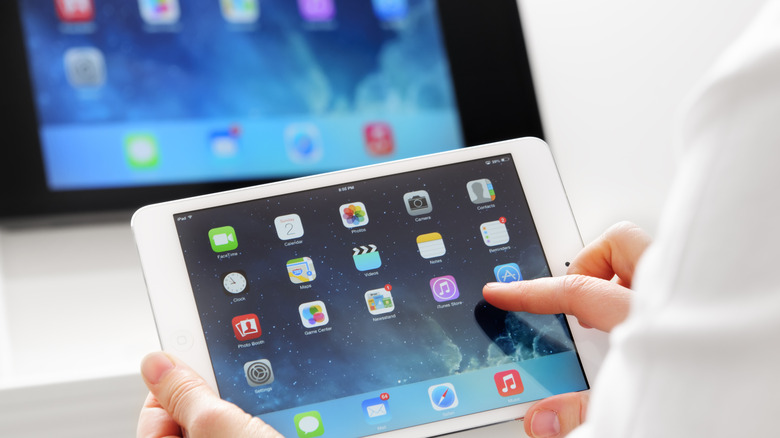
AirPlaying from an iPhone or iPad to a TV
Mphillips007/Getty Images
To AirPlay content from your iPhone or iPad to a TV, first confirm that both the TV and the iPhone are connected to the same Wi-Fi network, and make sure that AirPlay is turned on for your TV. To check, go to the TV’s Settings menu and look under Network, Connections and Apple AirPlay & HomeKit, then enable it if it isn’t already. (The menu options might be slightly different depending on the brand of TV.)
Once confirmed, open the content from a compatible app on your iOS device, like Prime Video or Disney+, and select the AirPlay icon at the top right. It will look like a tiny rectangle with an upward-facing arrow. For services like YouTube, tap the cast symbol (a rectangle with Wi-Fi wave lines) and select AirPlay from there. Then, choose what device you want to link if more than one pops up.
For AirPlaying images from Photos, press the Share button first (the square with the upward-facing arrow), then choose AirPlay from that menu. This may be the sequence with some other apps, too. For music, you’ll find the AirPlay icon (an upward-facing arrow with three arcs above it) within the music playback square on Control Center.
It’s worth noting that if you plan to AirPlay…