
Your local antenna stations are missing from Roku TV after an update, even though Live TV still opens. The guide may show streaming channels instead, omit familiar channel numbers, or no longer include your Favorites.
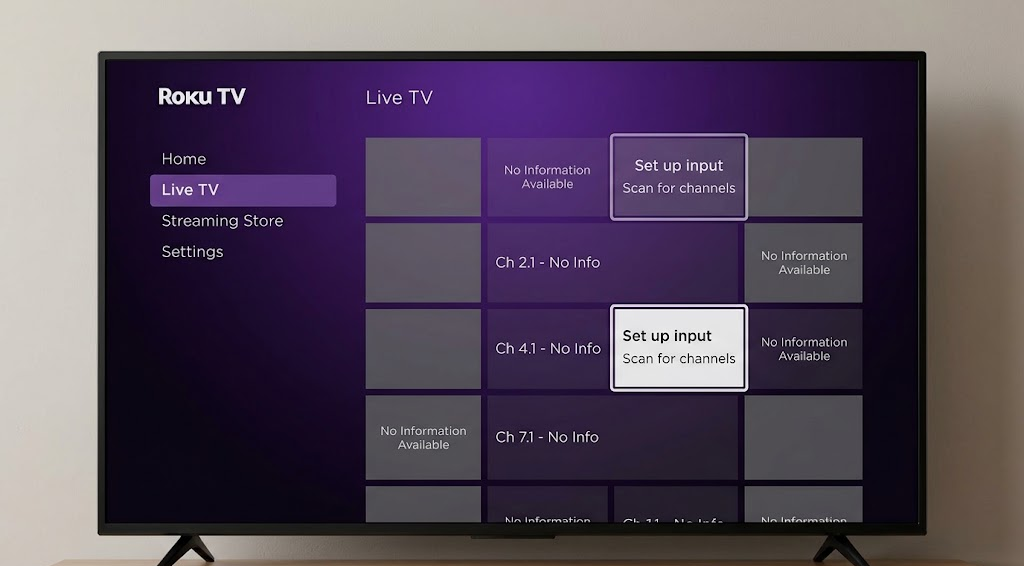
Roku’s guide can combine antenna broadcasts with internet streams. Seeing plenty of streaming channels does not confirm that the TV is receiving local stations, but a missing guide entry does not prove that your antenna has stopped working either.
These steps are for a Roku TV with an antenna connected to Ant/Cable In. A Roku Stick or separate player has no antenna tuner; use the television’s own remote and antenna settings instead.
1. Open the TV’s Antenna Input
Roku’s streaming Live TV destination can look like the antenna guide. The Home screen input opens the television tuner, where your scanned local stations belong.
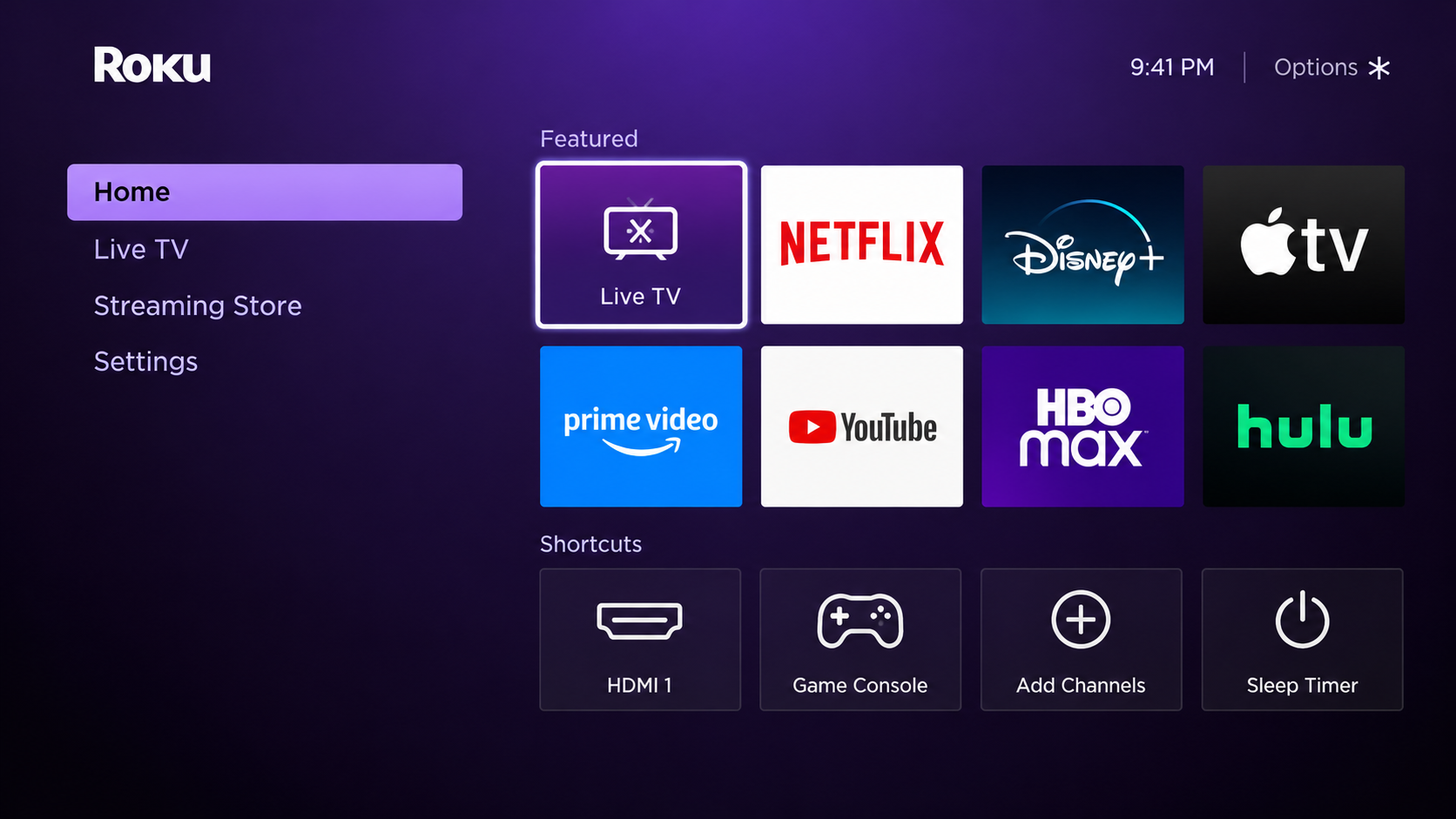
- Press Home and select the input tile named Live TV, Antenna TV or TV, rather than Live TV in the left navigation.
![Roku TV Home screen comparing the television Live TV input tile with the streaming Live TV destination.]()
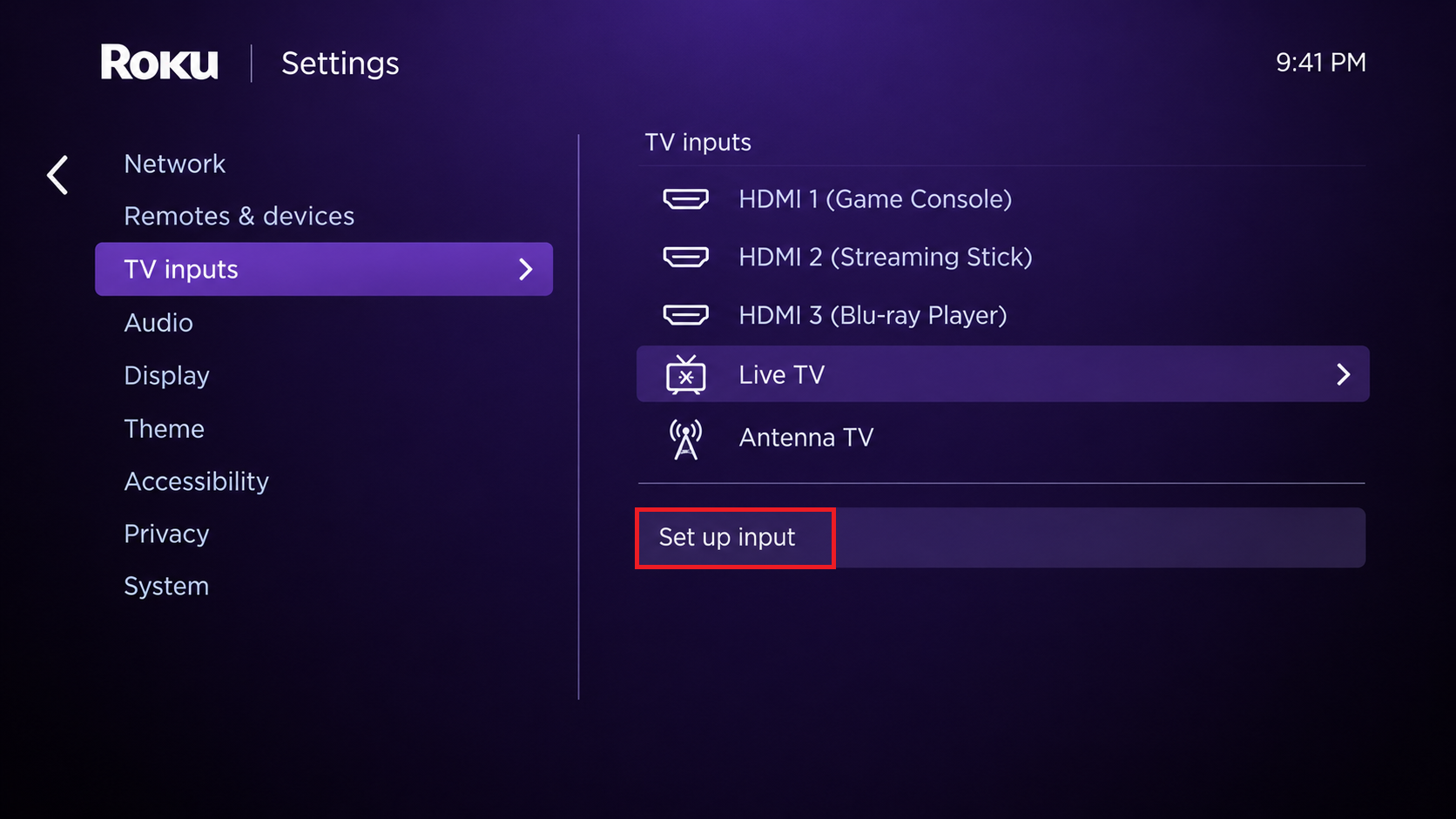
Show the Live TV input tile used for antenna channels and the separate streaming destination. Hide profile names and personalized recommendations. - If the tile is absent, open Settings > TV inputs > Live TV > Set up input and follow the antenna setup prompts. Older menus may call this input Antenna TV.
![Roku TV settings with TV inputs and Set up input selected for Live TV.]()
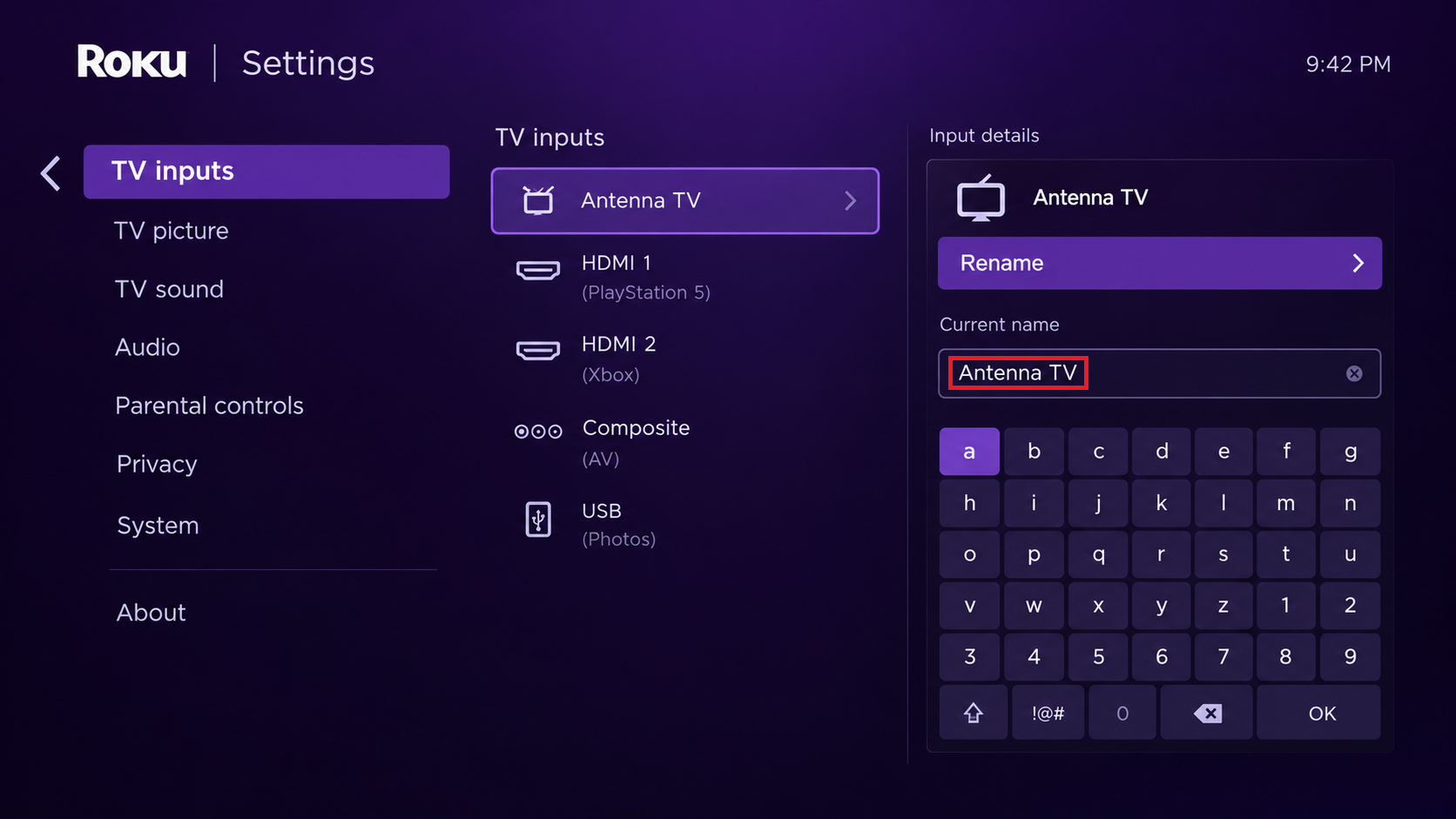
Show Settings > TV inputs > Live TV and the setup control available on the tested Roku TV model. - Optional: Highlight the Home input tile, press Star (*) > Rename input, and select Antenna TV. Renaming makes the tile easier to recognize; it does not change reception.
![Roku TV Live TV input renamed Antenna TV on the Home screen.]()
Show the input rename screen or the resulting Antenna TV tile. Hide account details and unrelated Home screen recommendations.
For an antenna-only guide, Roku also offers Settings > TV inputs > Live TV > Hide streaming TV channels > Hide all. This hides internet channels, not weak or missing broadcasts.
2. Restore Channels Hidden by the Guide
A station can remain stored while Favorites, Recents or a hidden-channel setting keeps it out of view. All channels still…