
Start with the account that bills your bundle. Confirm the plan is active, follow its activation links for any unlinked service, and check that each app uses the intended account. For Disney-billed bundles, use the official Disney bundle activation guidance. Check account access in a browser before changing TV app settings or buying another subscription.
You paid for three streaming services in one tidy bundle. Now HBO Max wants you to subscribe again, Hulu shows the wrong account, and your TV has decided it doesn’t know who you are. If your Disney+ Hulu Max bundle is not working, you’re in good company. Start by separating account access from a problem with one device or app.
Below, you’ll learn how to find out who actually bills your bundle, how to activate a service that never got linked, and how to sort out mismatched emails, duplicate subscriptions, and TV sign-in headaches. Use the account checks before trying device-level repairs; the time needed depends on the cause.
What the Bundle Includes (and Where It Usually Breaks)
The bundle gives you Disney+, Hulu, and HBO Max (called “Max” for a while) for one monthly price. It offers With Ads and No Ads tiers. Check the seller’s current price and tax terms before changing plans. Check the official bundle page for current pricing.
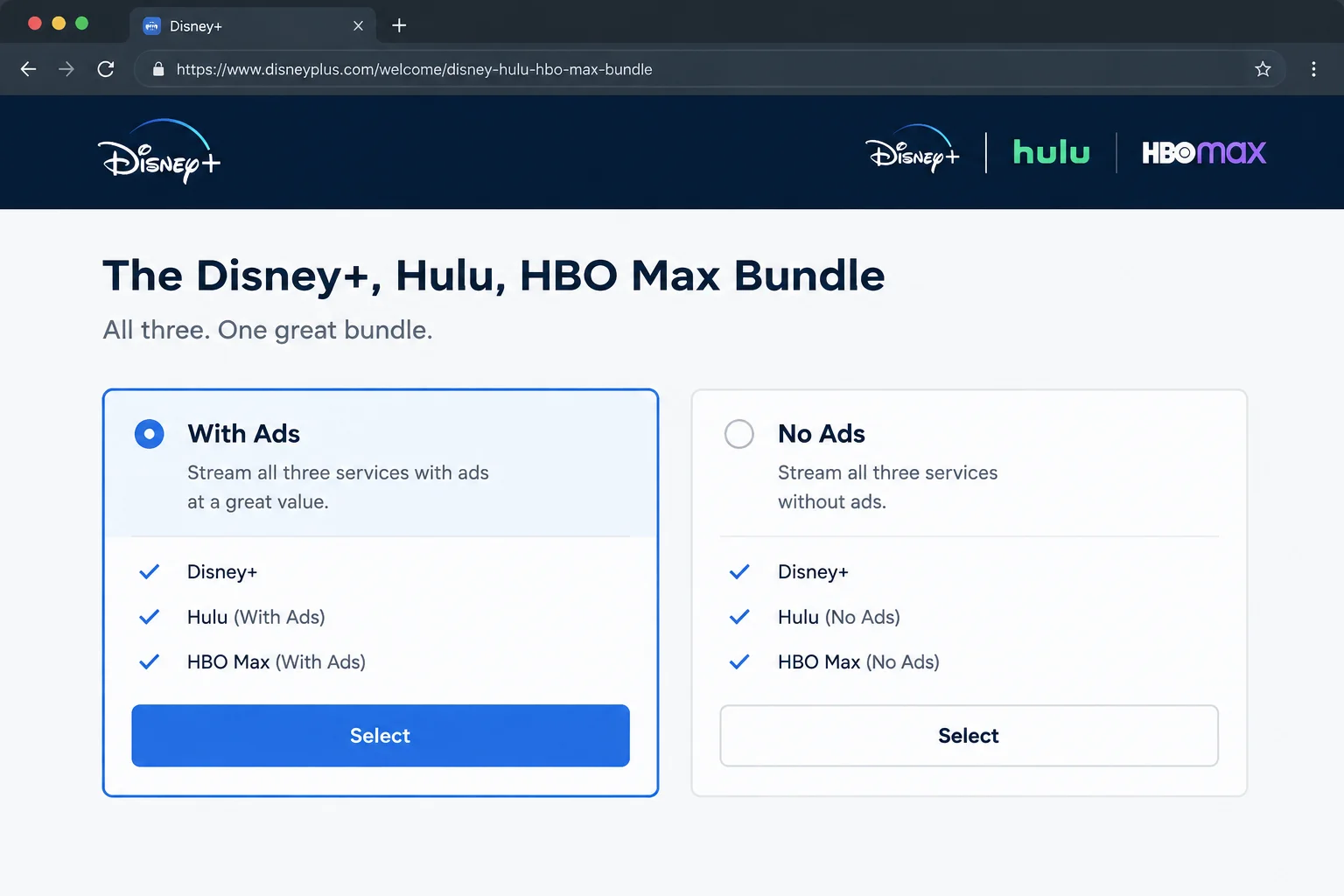
You have three apps. Disney+ and Hulu share a MyDisney login; HBO Max uses its own account. Start by checking activation, the account in the affected app, and the specific plan you bought:
- A service was never activated. Paying for the bundle and activating all three services are separate steps.
- You’re signed in with a different email on one of the apps.
- The bill you found belongs to a separate subscription. An old app-store plan is not proof that the three-service bundle is active.
Quick Fixes to Try First
Before you dig in, run through these basics:
- Find your confirmation email: Search your inbox for…