
I first noticed it when an ad for a show appeared on my Fire TV home screen a few hours after I had searched for it on a completely different device. Not enough to set off alarms, but just enough to make me open the settings out of curiosity.
What I found was worse than I expected.
My Fire TV had been quietly logging everything since day one: which apps I opened, how long I stayed, and how I moved, all tied to a single Advertising ID, building a profile behind the scenes.
None of this required a special permission prompt or a sketchy third-party app. It was all switched on by default, and Amazon openly states that it uses this data for marketing and product improvement.
The good news is that most of it can be turned off, and the tools to do it are either already in your settings or one download away from the Amazon Appstore.
This guide covers the exact steps: shutting down Amazon’s built-in tracking, installing a VPN that protects what the settings can’t reach, and setting everything up so it runs automatically without you having to think about it again.
What your Fire TV is actually collecting
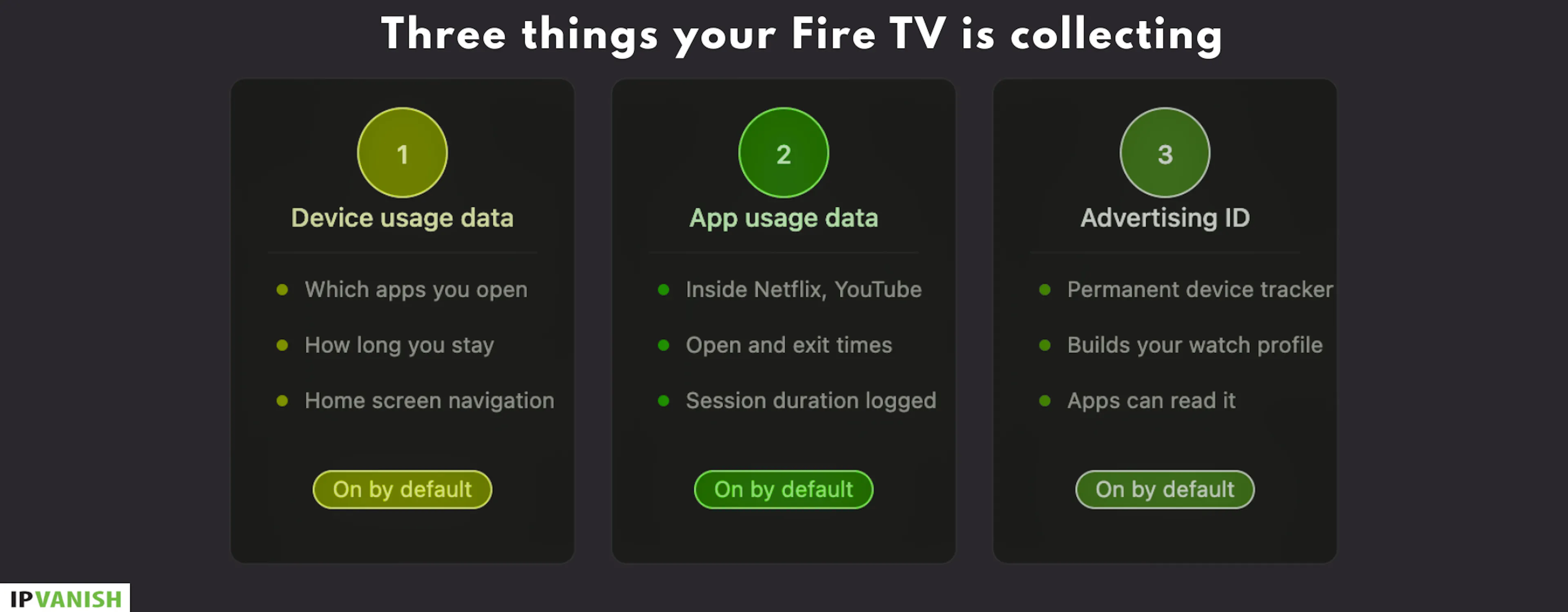
From the moment you log into Fire TV, your data is tracked without any extra apps or permissions. It’s a default setting from Amazon and mainly collects three things from you.
First up is device usage data.
This is basically the Fire TV OS tracking which apps you open, how long you stay in them, and how you move around the home screen. Amazon openly says this data is used for “marketing and product improvement purposes,” and it’s switched on by default.
Then there’s app usage data. Amazon sees this even inside third-party apps.
Even when you’re inside apps like Netflix or YouTube, Fire TV still registers that you opened them, how long you watched, and when you jumped out. The content stays inside those apps, but your usage pattern doesn’t stay private from the system itself.
And finally, there’s the Advertising ID.
Think of it as a permanent tracker tied to your…