
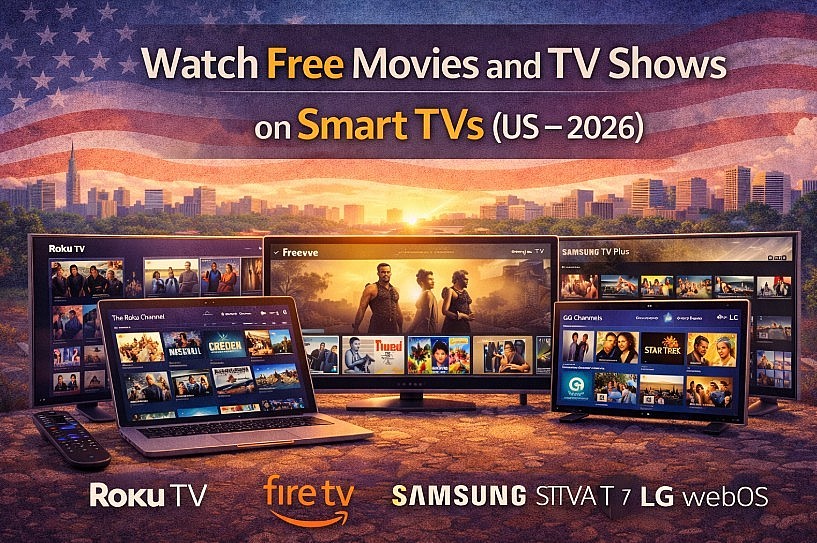
Learn where Americans watch free movies and TV shows on Smart TVs using legal apps on Roku, Fire TV, Samsung, and LG.
 |
| Free and Legal Ways Americans Watch Movies on Smart TVs |
In 2026, many Americans don’t watch “free streaming” on laptops anymore. They watch it on Smart TVs and streaming sticks—especially Roku TVs, Amazon Fire TV, Samsung Smart TVs, LG webOS TVs, and Android/Google TV. The experience is simple: open an app, pick a channel or a title, and watch with ads.
Why Smart TVs Are the Center of Free Streaming in the US
Free Smart TV streaming is built on the FAST model (Free Ad-Supported Streaming TV): platforms license content and fund it with ads, so you don’t need a subscription. On most TVs, these services are either preinstalled (Samsung TV Plus, LG Channels, The Roku Channel (aff)) or one search away in the app store.
Roku TVs & Roku Devices
Roku remains one of the most “free-first” TV platforms in the US, with strong support for both live channels and on-demand libraries.
Where Roku users watch free content (official links)
How to watch on Roku (step-by-step)
-
Press Home on the remote
-
Open Streaming Store / Channel Store
-
Search and install: The Roku Channel (aff), Pluto TV, Tubi
-
Open the app → choose Live TV (channels) or Movies/TV (on-demand)
Tip (real-world): If your goal is “turn on the TV and something is always on,” start with The Roku Channel + Pluto TV (strong live channel experience).
Read more: How To Download Popcorn Time on iPhone, Smart TV, Laptop and Android
Amazon Fire TV (Fire TV Stick, Fire TV TVs)
Fire TV is extremely popular in the US, especially in Prime households, but you can still watch a lot of free content without subscribing.
Where Fire TV users watch free content (official links)
Fire TV’s free experience has been expanding through its Live Guide…