
Roku OS 11.0 features new SceneGraph standard dialog framework components for adding multi-style text, images/notes, and button and checkbox icons to custom dialogs; BrightScript optional chaining operators for efficiently accessing possible undefined values; and ChannelStore APIs for displaying a customer’s information in the Request for Information (RFI) sign-up screen. Developers of authenticated free and advertising-based video on demand (AVOD) channels can now display the RFI screen without having to first enroll in the Roku Partner Payouts Program.
In addition, Roku OS 11.0 improves trick play for live linear streams, and it includes features that enhance the performance of media playback and Roku devices in general and expand platform support for industry standards covering content metadata.
For tools, this release adds new External Control Protocol (ECP) query commands for debugging channels that developers can incorporate in their web services and then leverage in their test suite, and minor updates to the BrightScript debug protocol.
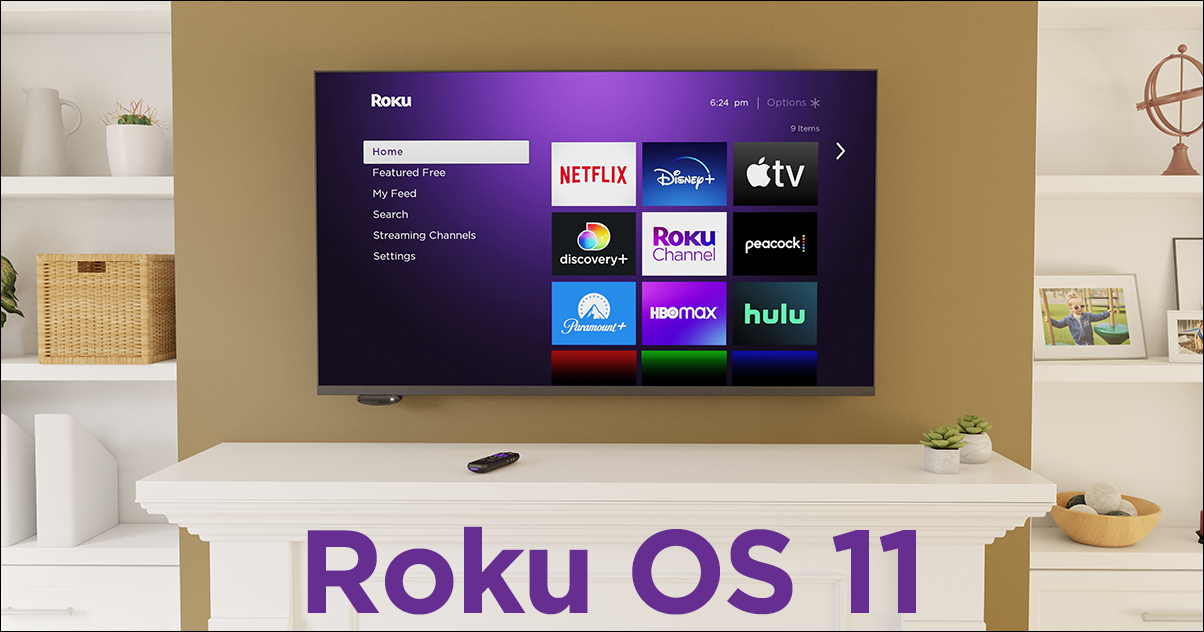
Below is a list of key developer-facing Roku OS 11.0 updates:
SceneGraph APIs
- New standard dialog framework nodes — Roku’s Standard Dialog Framework includes the following new nodes that enable developers to decorate or annotate custom dialogs and highlight the grouping of radio button and checkbox options in them:
- StdDlgMultiStyleTextItem. A line of text with multiple styles in the content area of a custom dialog. The text may include, for example, plain and bold characters, different fonts, multiple colors, and/or emojis.
- StdDlgSideCardArea. A freeform area on the right or left side of a custom dialog that developers can use to display images or notes.
- StdDlgActionCardItem. Highlighting for the child items in the content area of a custom dialog. This node enables developers to add a “more info” arrow icon, radio button icon, or check box icon to the items in the content area.
- StdDlgItemGroup. Visual grouping…